Hi everyone,
I hope you are well.
Welcome to August's content schedule! Here's a sneak peek of what you can look forward to this month:
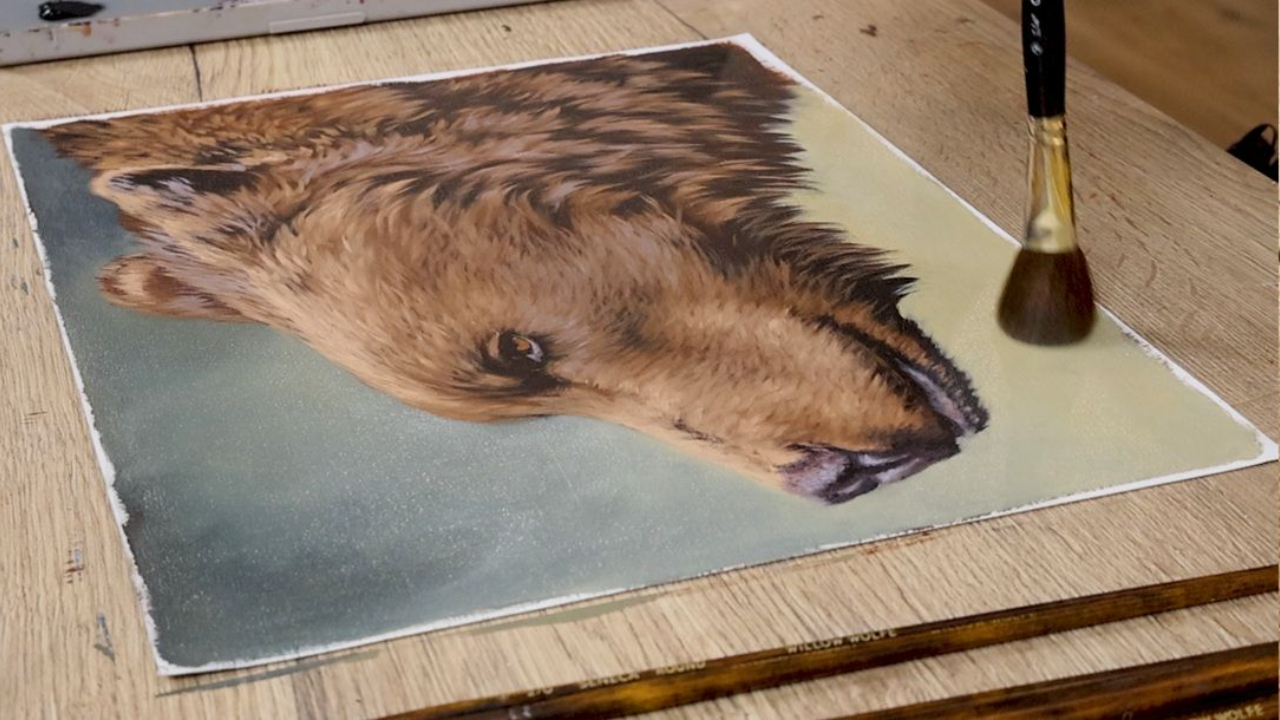
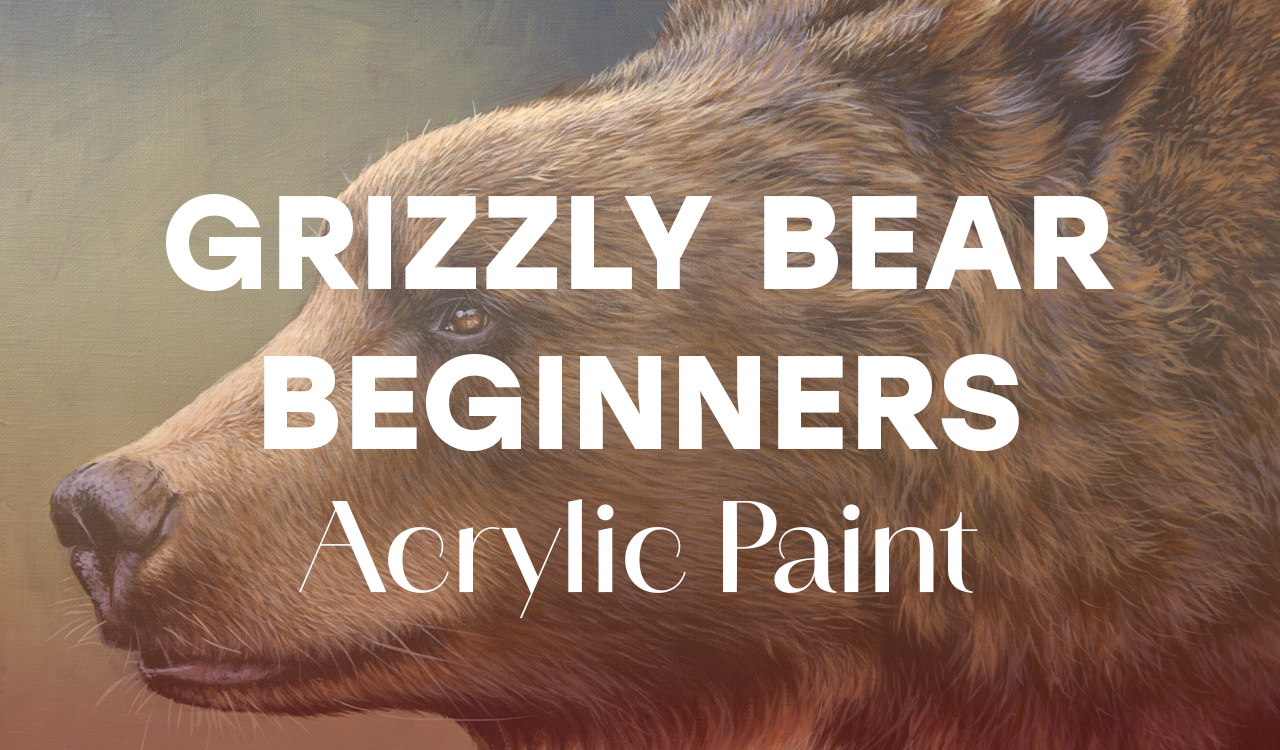
- Main tutorial - Grizzlly Bearl - Acrylic paint - Available Now (today)
This month we are looking at the grizzly bear. I am slowly remaking all the original tutorials to match my 7 stage process with acrylic paint, so that each portrait is created in a consistent and easy to follow approach to layering.
In this tutorial, we explore the thick luscious fur of the grizzly, simplifying the detail as we progressivly refine our work through out the layering process. I'll take you through each layer step by step, explaining how I use opacity, transparency and glazes to gradually build depth, texture and realism. If you're looking for a structured approach to acrylic painting that takes the guesswork out of the process, this is a great place to start.
2. Live Demonstration - Digital Tools, Composition and Creativity - Thursday , August 13 10 am (ACDT)
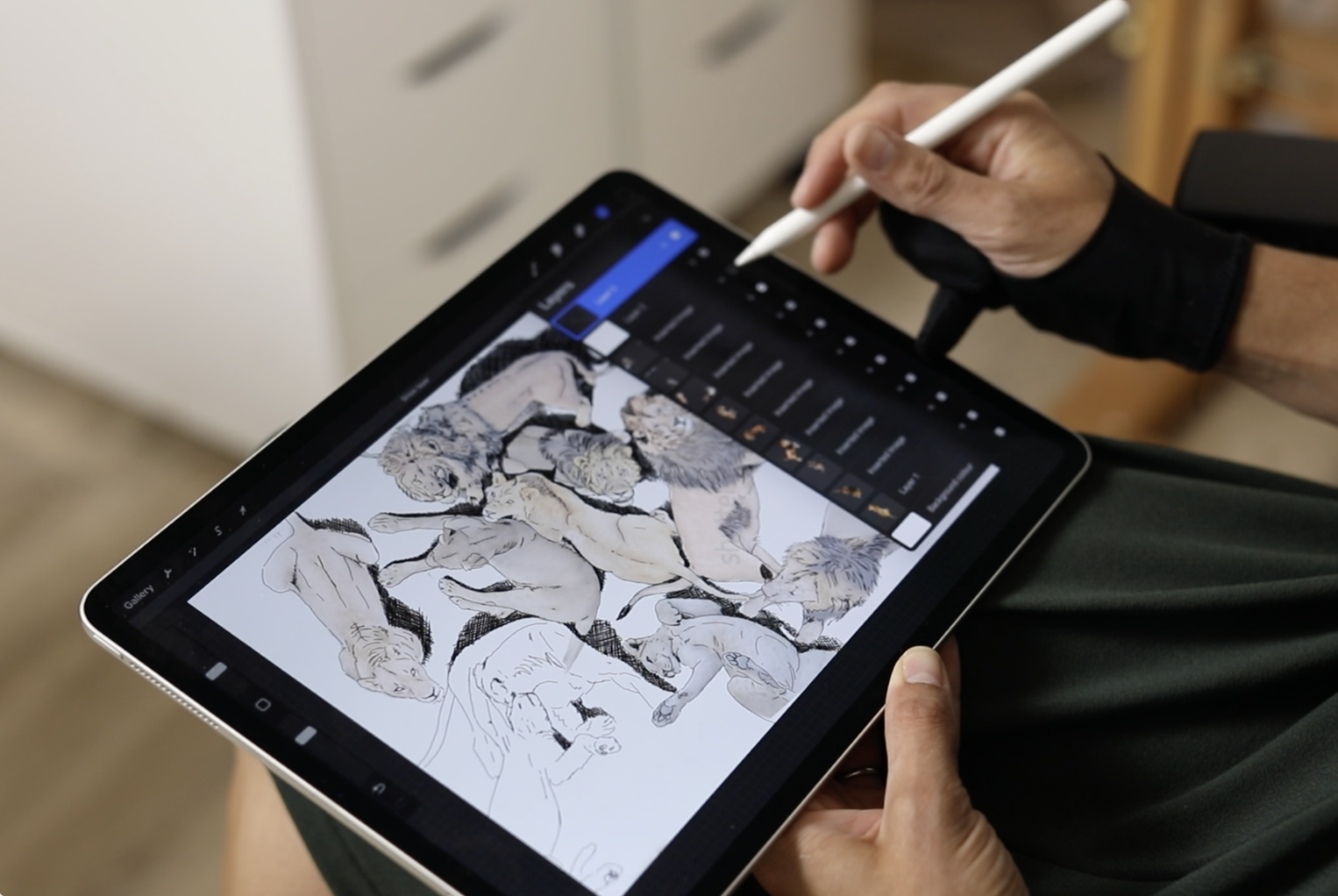
This month I am going to demonstrate a complete ste-by-step guide on how I use Procreate to create my compositions, edit changes in my paintings, play with ideas and more. I am combining several sepreate courses done in the past into one 'go-to' video demonstration. I will demonstrate:
- How to merge images together from multiple sources
- How to create a simple digital sketch or study of an idea for a painting digitally to see if it will work as a final piece
- How to adjust or change elements for a painting in progress
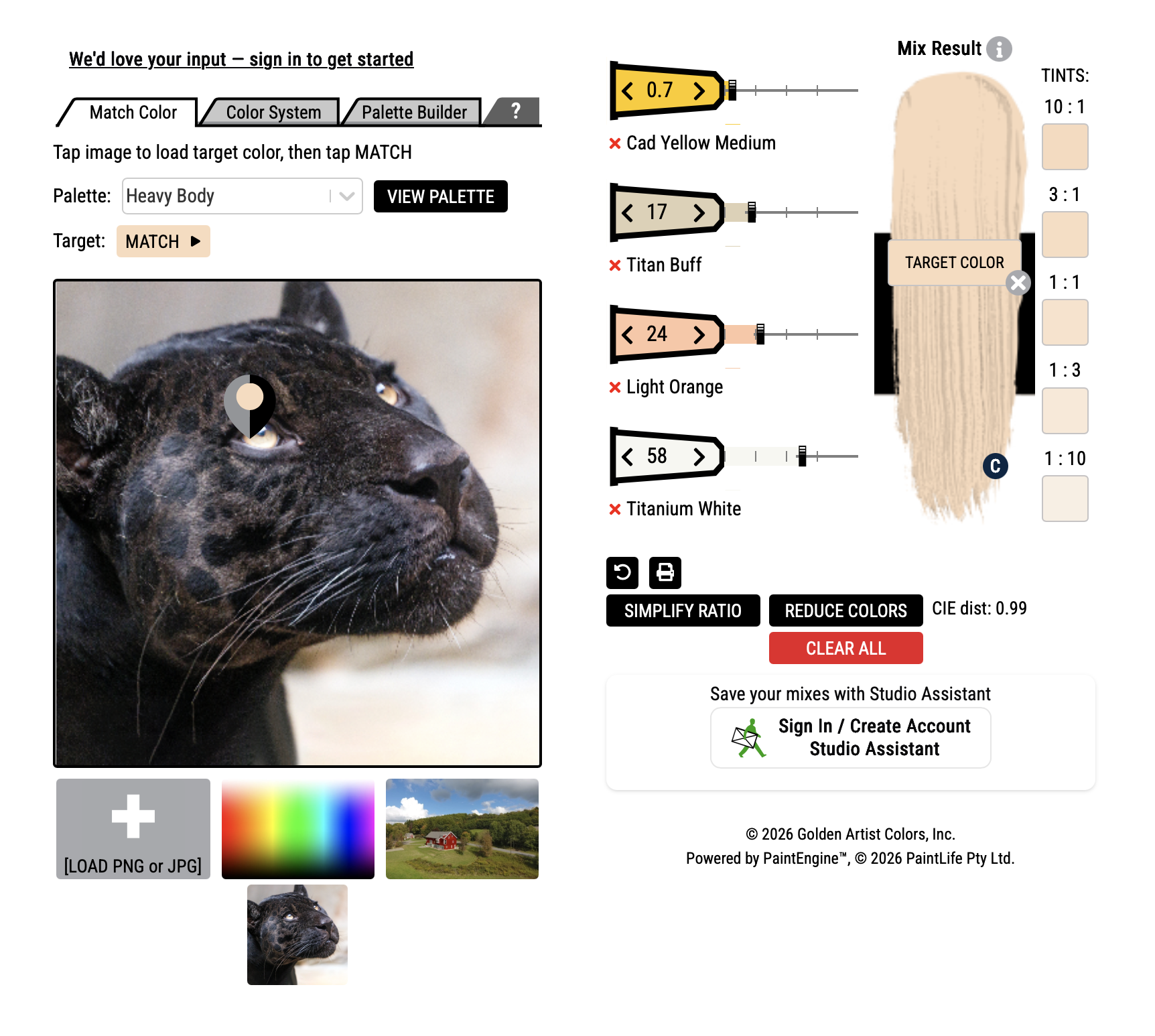
3. Essential Colour Mixing Resource
If you have any questions or requests, please feel free to email me.
Kind regards
Carla Grace